The risky action looks routine
- What teams face
- Sensitive information travels through the same mail and file tools people use every day.
- What it means
- A genuine mistake can look like normal collaboration until the data has already left.
 Book a demo
SEKURZEN GUARD
Guard protects mail and files across Microsoft 365 and Google Workspace, with detection built for the identifiers and data types your business handles.
THE PROBLEM GUARD SOLVES
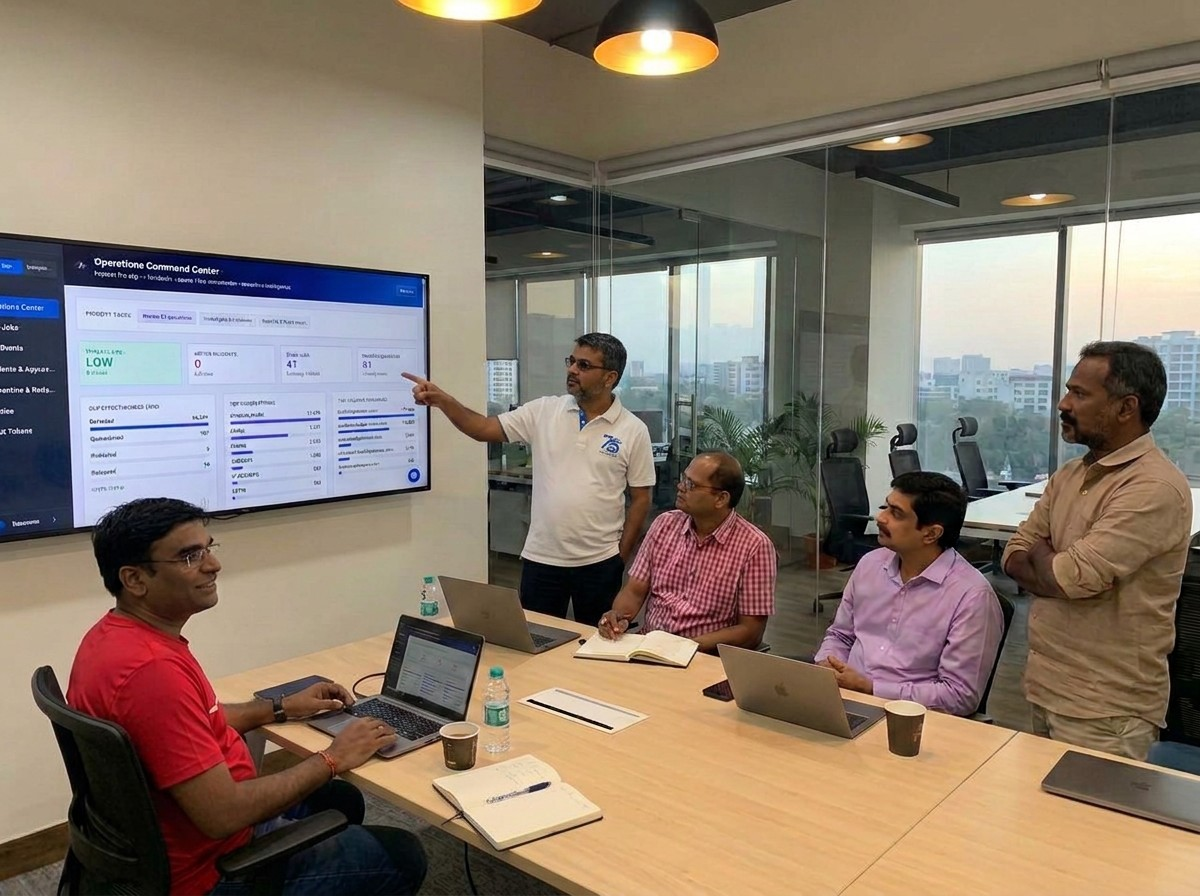
A customer record, identity number, or bank detail can move through email, chat, and shared files in seconds. Security and compliance teams need to understand the context, respond quickly, and keep evidence of what happened.
DETECTION WITH CONTEXT
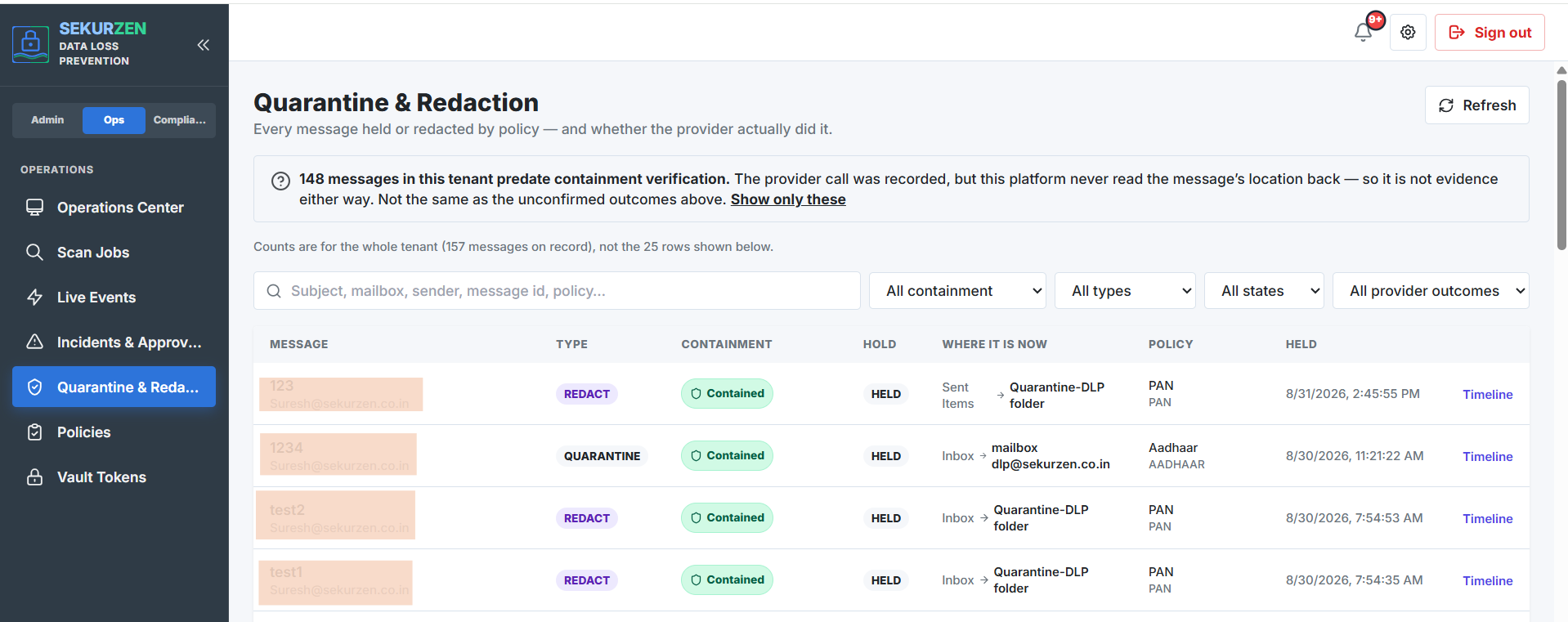
Guard detects names, email addresses, phone numbers, bank account numbers, GSTIN, Aadhaar numbers, and other sensitive data across the tools your teams use every day.
When something needs attention, the team can review the finding, contain the message, and keep a clear record of the action taken.
Book a Guard demoWHERE GUARD WORKS
Guard covers Microsoft 365 and Google Workspace, so protection follows the places where people communicate, collaborate, and share information.
Exchange Online, SharePoint Online, OneDrive, and Teams.
Gmail and Google Drive.
ONE OPERATIONAL VIEW
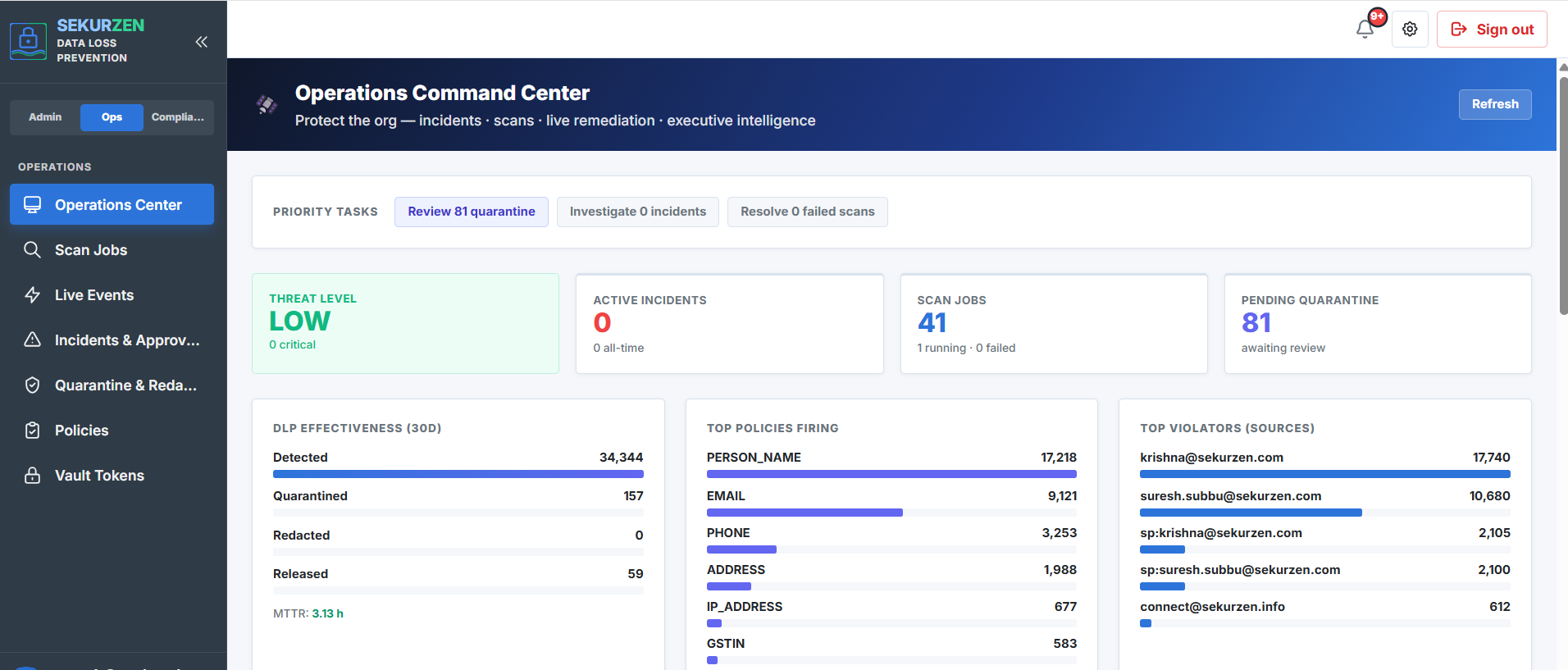
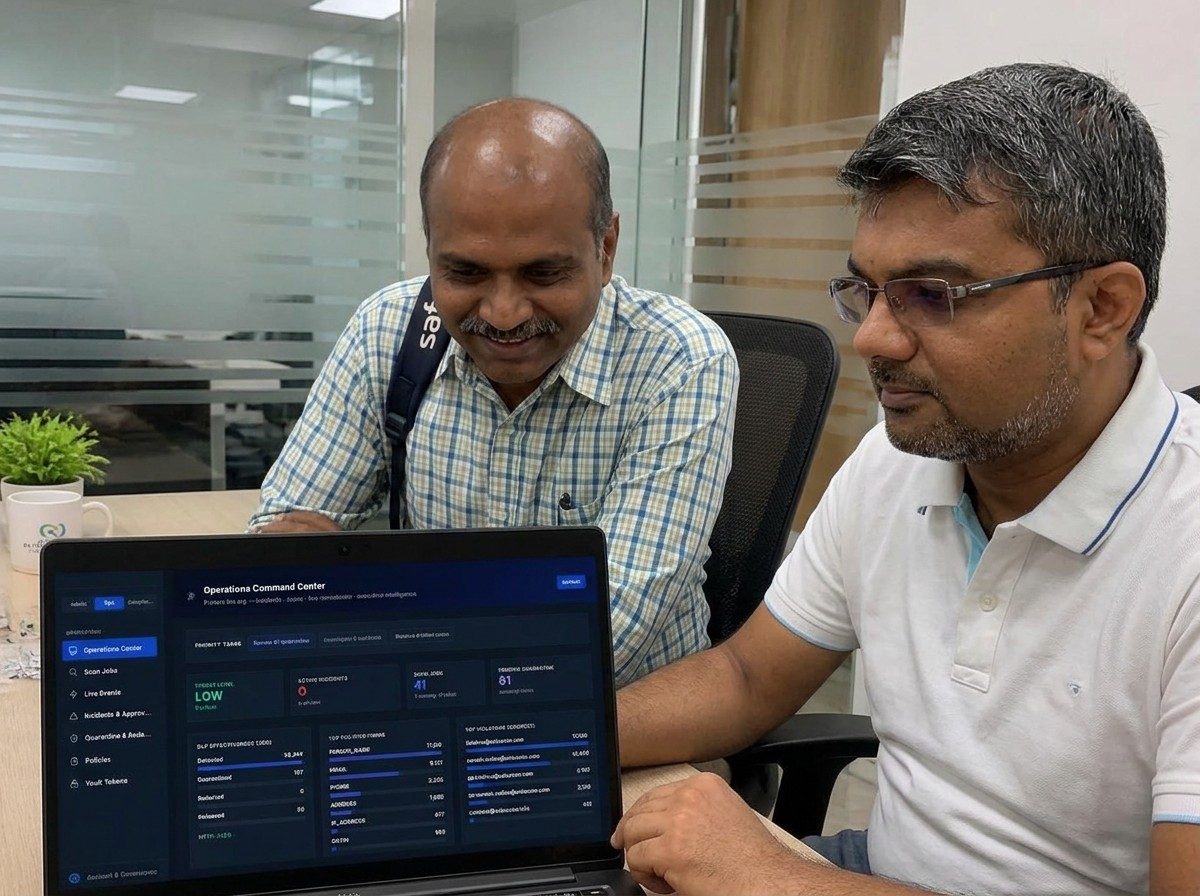
Guard gives security and operations teams a shared view of active incidents, scan health, quarantine work, policy activity, and response progress.
A PRACTICAL PATH
Start with visibility, add active controls when the team is ready, and give compliance stakeholders the evidence they need.
| Tier | What it is for |
|---|---|
| Standard | Know your risk, and get alerted. |
| Professional | Stop the leak. |
| Enterprise | Prove your compliance. |
END USER SECURITY
End User Security is a focused, one-time engagement that complements Guard by helping your team review the people, devices, and working practices around your data.
A USEFUL NEXT STEP
See how Guard would work across your mail and files.
Book a focused walkthrough with the Sekurzen team.